

Keeping track of who’s supposed to be where and when can be a real headache for small service businesses. You’ve got jobs popping up, technicians running late, and sometimes, emergencies that throw everything off. Juggling all of this with sticky notes and spreadsheets just doesn’t cut it anymore. That’s where thinking about technician scheduling software for small business comes into play. It’s not just about making pretty calendars; it’s about making your whole operation run smoother, your team happier, and your customers more satisfied. Let’s break down what this kind of software can do for you.
Key Takeaways
- Technician scheduling software helps small service businesses organize jobs, manage technician availability, and make quick adjustments when plans change.
- It acts as a middle ground between simple spreadsheets and complex field service management systems, offering practical tools for daily scheduling challenges.
- Key features to look for include visual drag-and-drop scheduling, real-time updates, mobile access for technicians, and clear job details in one place.
- Choosing the right software means identifying your biggest scheduling problems and picking a tool that’s easy for your field technicians to use.
- Implementing this type of software can solve common issues like assigning the right technician, handling last-minute changes, and preventing technician burnout.
Understanding Technician Scheduling Software For Small Business

Running a service business means juggling a lot of moving parts. You’ve got customers needing help, technicians out in the field, and the constant challenge of making sure everyone and everything lines up. For small businesses, this often starts with spreadsheets, sticky notes, or maybe just a whiteboard. It works, sort of, until it doesn’t. A job runs long, a tech gets sick, or a customer calls with an emergency – suddenly, your carefully planned day is in chaos.
This is where technician scheduling software comes in. Think of it as a digital assistant specifically designed to sort out the daily puzzle of who goes where and when. It’s not about complicated systems; it’s about making your day-to-day operations smoother and less stressful. The right software helps you get organized, adapt quickly when things change, and keep everyone informed.
What Is Service Scheduling Software?
At its core, service scheduling software is a tool that helps businesses plan and manage their technicians’ workdays. It typically includes a visual calendar or schedule where you can see all upcoming jobs. You can assign tasks to specific technicians, track their availability, and see who’s working when. It’s more organized than a simple calendar app but less complex than a full-blown management system. It’s the middle ground that many small service businesses find incredibly helpful.
Scheduling Software Versus Field Service Management Software
It’s easy to get these two mixed up, but there’s a difference. Scheduling software focuses mainly on the when and who of your jobs. It’s about creating the schedule, assigning tasks, and making adjustments. Field Service Management (FSM) software is usually a bigger package. It includes scheduling, yes, but also things like invoicing, customer relationship management (CRM), inventory tracking, and advanced reporting. For many small businesses, starting with scheduling software is the smart move. You get the core benefit of better scheduling without the cost and complexity of a full FSM system right away. You can always upgrade later if your business needs grow.
Key Features To Look For In Technician Scheduling Software
When you’re looking at different scheduling tools, keep these practical features in mind:
- Visual Scheduling: A drag-and-drop interface makes it easy to see your day and move jobs around quickly. It helps you spot conflicts or gaps at a glance.
- Real-Time Updates: Schedules change. You need a system that lets you update assignments instantly and pushes those changes to your technicians’ phones or devices.
- Job Details: Having all the information for a job – customer contact, address, notes about the issue, required parts – in one place saves time and reduces errors.
- Technician Availability: Easily see who is working, who has time off, or who is already booked. This prevents double-booking and helps you assign work fairly.
Managing schedules for a service business is tough. Unexpected issues pop up constantly, and a simple delay can ripple through the entire day. Good scheduling software acts like a buffer, helping you absorb those changes without everything falling apart. It brings a sense of order to what can often feel like controlled chaos.
Core Features Of Scheduling Software For Service Technicians
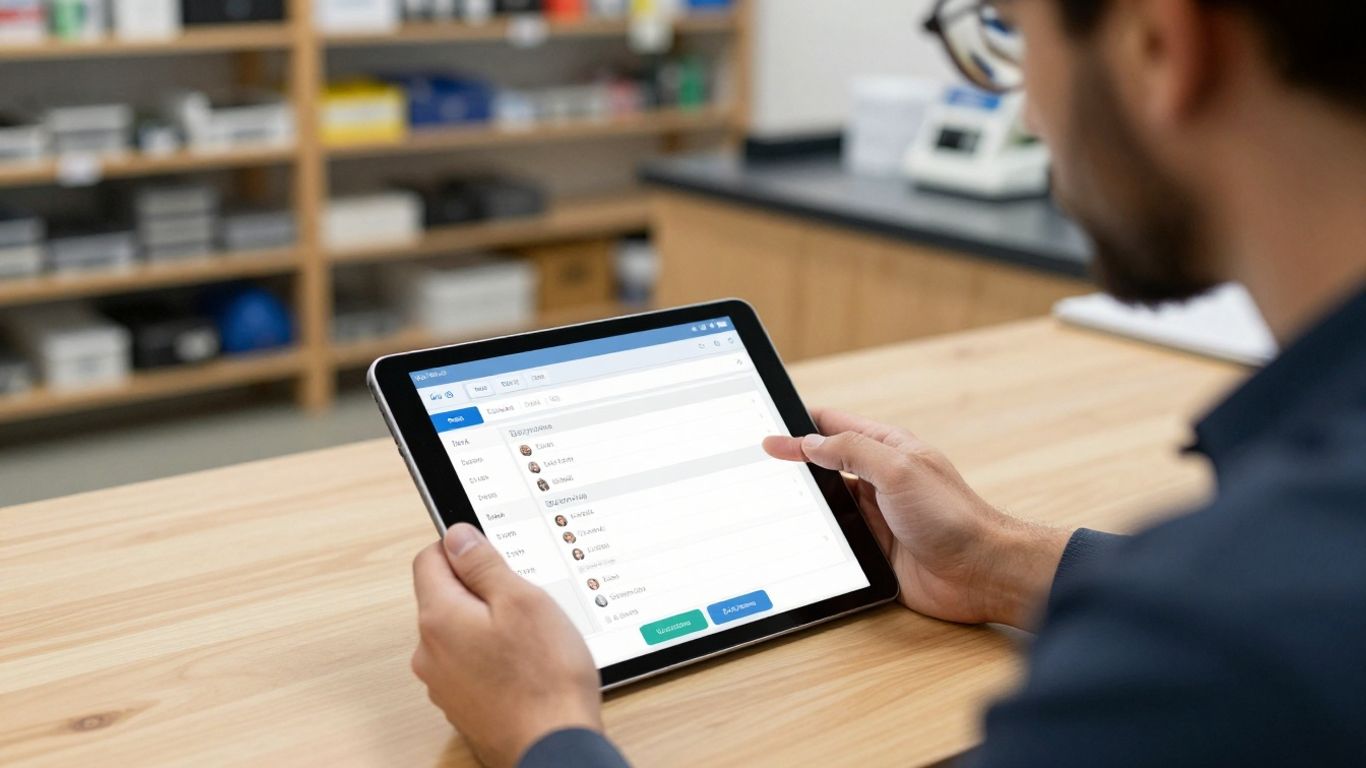
Scheduling software for service technicians is more than just a digital calendar; it’s a tool designed to tackle the daily chaos of dispatching and managing field staff. For small service businesses, it bridges the gap between clunky spreadsheets and overly complex management systems, offering practical solutions for common headaches.
Drag-And-Drop Scheduling For Visual Clarity
Imagine trying to rearrange a day’s appointments when a job runs long or an emergency call comes in, all while juggling phone calls. It’s a recipe for mistakes. Drag-and-drop scheduling changes that. This feature lets you visually move appointments around on a calendar interface. If a job needs to be pushed back or assigned to a different technician, you just click and drag it to the new slot. This visual approach makes it incredibly easy to see your day at a glance and make quick adjustments without having to manually re-enter everything. It helps you spot potential conflicts or gaps in the schedule before they become problems.
Real-Time Updates For Dynamic Adjustments
Service work is rarely static. A plumbing repair might take longer than expected, or a customer might need to reschedule. When changes happen, everyone needs to know immediately. Real-time updates mean that any modification made in the office—like rescheduling a job or adding a new urgent request—instantly appears on the technician’s mobile device. This cuts down on confusion, missed appointments, and unnecessary travel time. It keeps your entire team on the same page, even when the day throws curveballs.
Job Details And Notes In One Centralized Place
Technicians shouldn’t have to hunt for information before heading to a job. Good scheduling software keeps all the necessary details tied directly to the appointment. This includes:
- Customer contact information
- Service address and directions
- Specific job notes or customer requests
- Equipment details or past service history
Having this information readily available helps technicians arrive prepared, work more efficiently, and provide a better customer experience. It reduces the need for back-and-forth calls to the office and minimizes delays caused by missing information. It’s about making sure the right person has the right details at the right time.
Optimizing Schedules For Different Service Businesses
Getting scheduling right matters for any service operation, but how you use technician scheduling software depends a lot on your type of business. Each field comes with its own quirks and headaches. Whether you fix AC units, manage a fleet of maintenance pros, or handle work at several locations, it’s about finding the tools that actually work with your everyday reality—not against it.
Tailoring Software For Home Service Businesses
For folks running home service businesses—think HVAC techs, plumbers, or electricians—nothing ever goes exactly as planned. Jobs run long, emergencies pop up out of nowhere, and you’ve got to stay flexible. A great scheduling platform lets you quickly shift jobs, dispatch the nearest available tech, and keep everyone in the loop.
Here’s what usually makes the most impact:
- Route optimization so techs aren’t zigzagging across town all day
- Automated customer notifications about ETAs or arrival changes
- Easy rescheduling and rerouting, especially for urgent calls
With real-time scheduling tools, you waste less time on the phone wrestling with last-minute changes, and more time actually getting jobs done.
Managing Recurring Work With Maintenance Teams
If your business focuses on maintenance contracts—think cleaning companies or appliance repair—your main challenge is keeping up with regular jobs and preventing stuff from slipping through the cracks.
Scheduling software should help you organize:
- Recurring jobs by client and interval (weekly, monthly, etc.)
- Automatic reminders for due visits
- Balanced workloads, so one tech doesn’t end up with every repeat job
Here’s a simple table showing how recurring scheduling features benefit maintenance teams:
| Feature | Benefit |
|---|---|
| Recurring job setup | Less manual entry, fewer missed jobs |
| Technician rotation | Less burnout, more fairness |
| Job tracking/history | Easier contract renewals |
Coordinating Schedules For Multi-Location Companies
Multi-location operations, like regional cleaning franchises or service firms with several branches, need extra help. It’s not just about who’s available nearby—it’s turning chaos into something you can actually manage.
Scheduling software makes it possible to:
- View and manage all locations from one dashboard
- Share technicians between sites when needed
- Spot gaps in coverage and shift resources quickly
If you’re still juggling spreadsheets and phone calls, this kind of system can untangle the mess while saving you the headaches that come from double-booking or missing a job altogether.
The best part? When every team, at every site, runs from the same up-to-date schedule, you finally get some breathing room.
The Advantages Of Mobile Scheduling Software
Look, we all know that for service businesses, the real action happens out in the field, not stuck behind a desk. That’s why having scheduling software that works on your phone or tablet is a total game-changer. It means your technicians aren’t tied to the office to know what’s next. They can see their day, get updates, and even pull up customer info right from their device. This cuts down on all those annoying calls and texts back and forth.
Empowering Technicians With On-The-Go Access
Think about it: your technicians are out there doing the actual work. If they have to call dispatch for every little detail or change, it eats up so much time. Mobile scheduling software puts the power in their hands. They can view their entire day’s jobs, get instant notifications if something shifts, and access all the necessary customer details and job notes without missing a beat. This kind of immediate access means they can focus more on the service itself and less on administrative headaches. It’s about giving them the tools they need to be efficient right where they are.
Reducing Administrative Tasks And Improving Efficiency
Let’s be honest, nobody likes paperwork. For technicians, a lot of their day can get eaten up by tasks that aren’t directly serving customers. Mobile tools help streamline this. When job details, customer history, and real-time updates are all in one accessible place on their mobile device, technicians spend less time searching for information or filling out forms later. This shift means more time spent on actual service calls, which is good for everyone. It’s about making the whole process smoother and faster, cutting down on those non-billable hours.
Ensuring Accurate Schedules Through Usability
Here’s the thing: even the fanciest software is useless if your team doesn’t actually use it. If the mobile app is clunky, slow, or confusing, technicians will just go back to their old ways – calls, texts, scribbled notes. This quickly makes your schedule outdated and leaves managers in the dark. The key is finding a mobile field service app that’s simple and quick to learn. When the system is easy to use, technicians are more likely to adopt it consistently. This leads to more accurate schedules because everyone is working from the same, up-to-date information. A well-designed mobile interface makes all the difference in keeping your team on track and your schedules reliable. You can even test out some basic scheduling tools to see how your team takes to them before committing to a bigger system. Scheduling software allows customers and team members to view availability and book meetings at their convenience.
Choosing The Right Technician Scheduling Software
Picking service scheduling software isn’t something you can rush. There are a ton of options out there—some are perfect for massive companies with sprawling teams, others feel like they’re made for just a handful of folks. Getting it right can save everyone in your shop loads of headaches.
Identifying Your Biggest Scheduling Bottlenecks
If your schedules keep blowing up, step one: figure out what exactly is causing the mess. It might be double-bookings, techs forgetting jobs, too many phone calls to coordinate, or shifts that get upended every time you get an emergency call.
- Focus on your biggest pain point first. If it’s last-minute changes or missed updates, pick software that updates in real time.
- Make a quick list of what holds up your techs most—constant rescheduling, not knowing people’s availability, etc.
- Remember, fixing your main bottleneck gives you the quickest and most obvious win.
Sometimes all it takes is one key feature—like instant communication or a shared calendar—to start getting control of your team’s day.
Considering Team Size And Job Volume
Don’t get stuck with software that feels bloated or, on the flip side, way too limited. Try to match your needs:
| Criteria | Small Teams | Growing Teams | Larger Teams |
|---|---|---|---|
| Technician Count | 1-5 | 6-15 | 16+ |
| Daily Job Volume | Under 10 | 10–30 | 30+ |
| Scheduling Complexity | Simple shifts/rotations | Some specialization | Multi-location or high churn |
Choose a system that easily handles your regular workload and supports some growth. You don’t want to outgrow your tool in a year and go back to spreadsheets.
- Look for software with user scaling—adding or removing users should be simple.
- Software should keep up with your job volume on busy days, not just normal ones.
Prioritizing Ease Of Use For Field Technicians
Your techs will actually use the software if it’s straightforward, even out in the field. If the app is clunky, nobody will bother checking their assignments on the go. That’s how mistakes and missed jobs happen. When deciding on a tool, get input from your team—they’ll spot what’s user-friendly (or not) faster than you.
Some things to look for in a technician-friendly scheduling solution:
- Clean interface—no hunting for job info or updates
- Quick and easy mobile access
- Clear, simple notifications for new jobs or changes
There are user-friendly meeting scheduling tools that you can test before deciding—they make it easier to see if your team can get on board fast.
Every shop’s needs are a bit different, but the right scheduling tool should make life easier for you and your field team. Take the time, ask questions, and keep your real-world scheduling issues front and center when picking your next system.
How Scheduling Software Solves Common Technician Problems
Let’s be honest, scheduling technicians can feel like trying to herd cats sometimes. Things change fast in the field, and what looks good on paper in the morning can fall apart by lunchtime. That’s where good scheduling software really shines, acting like a problem-solver for those daily headaches.
Assigning the Right Technician to the Right Job
Ever sent someone out for a job only to realize they didn’t have the specific skill set needed? It happens. Scheduling software gives you a clear picture of who’s good at what and what their current workload looks like. You can see qualifications, past job notes, and availability all in one spot. This means you can match the job to the tech who’s most likely to get it done right the first time. No more guesswork, fewer callbacks, and happier customers.
- Skill Matching: Directly link technician skills to job requirements.
- Workload Balance: Distribute complex jobs to experienced techs.
- Efficiency Boost: Reduce time spent figuring out who should go where.
Handling Last-Minute Changes and Emergencies Seamlessly
A job runs over, a tech calls in sick, or a customer has an urgent issue – these are the moments that can wreck a schedule. With scheduling software, you can adjust assignments in seconds. Need to swap a tech? Move a job? The system updates everyone instantly. This means your team can react quickly to emergencies without a cascade of phone calls and texts, keeping disruptions to a minimum. It helps you stay agile when the unexpected pops up.
The ability to quickly reassign tasks and notify the relevant technicians immediately is a game-changer for maintaining service continuity and customer satisfaction during unexpected events.
Preventing Overbooking and Technician Burnout
It’s easy to accidentally overload your best people when you’re just looking at a basic calendar. Scheduling software shows you the full picture of everyone’s day and week. You can see who’s got too much on their plate and who has some breathing room. This helps you spread the work out more evenly, cutting down on excessive overtime and the stress that comes with it. A balanced schedule means happier techs, better work quality, and less chance of people burning out and leaving.
Here’s a quick look at how it helps:
- Visibility: See total hours and job count per technician.
- Fair Distribution: Assign jobs based on current capacity, not just who’s available.
- Overtime Control: Proactively manage hours to avoid unplanned overtime costs.
- Employee Well-being: Reduce stress and improve job satisfaction by preventing overload.
Wrapping Up
So, if you’re still wrestling with messy spreadsheets or a stack of sticky notes to keep your technicians on track, it’s probably time to look into scheduling software. It’s not about adding more complicated tech; it’s about making your day-to-day operations smoother. Getting the right system in place means fewer headaches for you, happier customers, and a team that’s not constantly stressed about where they need to be next. Think of it as an investment that pays off by saving you time and keeping your business running like a well-oiled machine.
In a business where every job, delay, and last-minute request can impact your entire day, having the right scheduling system isn’t just helpful—it’s essential. Technician scheduling software brings clarity, control, and consistency to your operations, helping your team stay aligned and your customers well-served. If you’re ready to move beyond spreadsheets and take control of your scheduling challenges, Fieldbin offers a smarter, more efficient way to manage your workforce, streamline dispatching, and keep your business running smoothly—so you can focus less on coordination and more on growth.
Frequently Asked Questions
What exactly is technician scheduling software?
Think of it as a smart calendar and to-do list for your service business. It helps you easily plan out who does what job, when, and where. It’s way better than juggling sticky notes or messy spreadsheets!
Why is scheduling so tricky for service businesses?
Jobs can take longer than expected, customers might have urgent needs, or traffic can cause delays. All these little things can mess up the whole day’s plan, making it hard to keep everyone happy.
How does this software help my technicians?
It gives them a clear view of their day, directions to jobs, and any special notes, all on their phone. This means less confusion, fewer phone calls to the office, and more time spent actually doing the work.
Can this software handle last-minute changes?
Absolutely! If something unexpected happens, like a job running late, you can quickly change the schedule. The software updates everyone instantly, so your team knows what to do next without missing a beat.
Is it hard for my team to learn and use?
Good software is designed to be simple and easy to use, especially on a phone. The goal is to make their job easier, not add more complicated steps. If it’s easy to use, they’ll actually use it!
What’s the difference between scheduling software and bigger management systems?
Scheduling software focuses mainly on planning and assigning jobs. Bigger systems, called Field Service Management (FSM) software, do that plus a lot more, like billing, customer records, and inventory. Scheduling software is a great starting point for smaller businesses.