
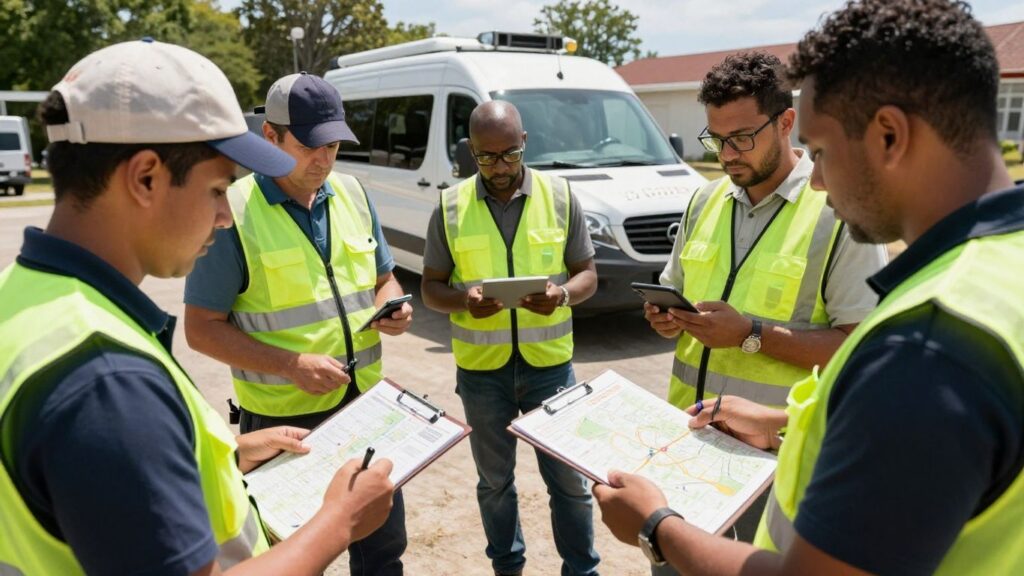
Keeping tabs on your team when they’re out in the field can feel like a puzzle, especially for small businesses. You want to know where everyone is, make sure jobs are getting done, and keep customers happy, all without making your employees feel like they’re under a microscope. That’s where GPS tracking for field technicians comes in. It’s not about micromanaging; it’s about making things run smoother for everyone involved.
Key Takeaways
- GPS tracking helps small businesses see where their field technicians are in real-time, which is great for planning and emergencies.
- Automated features like clock-in/out and status updates save time and reduce paperwork.
- Route optimization and progress tracking can lead to significant savings on fuel and time.
- Digital documentation and signatures make job records more complete and reduce disputes.
- Implementing GPS tracking is easier than you think and can improve both efficiency and customer satisfaction.
Understanding GPS Tracking for Field Technicians
Real-Time Location Visibility
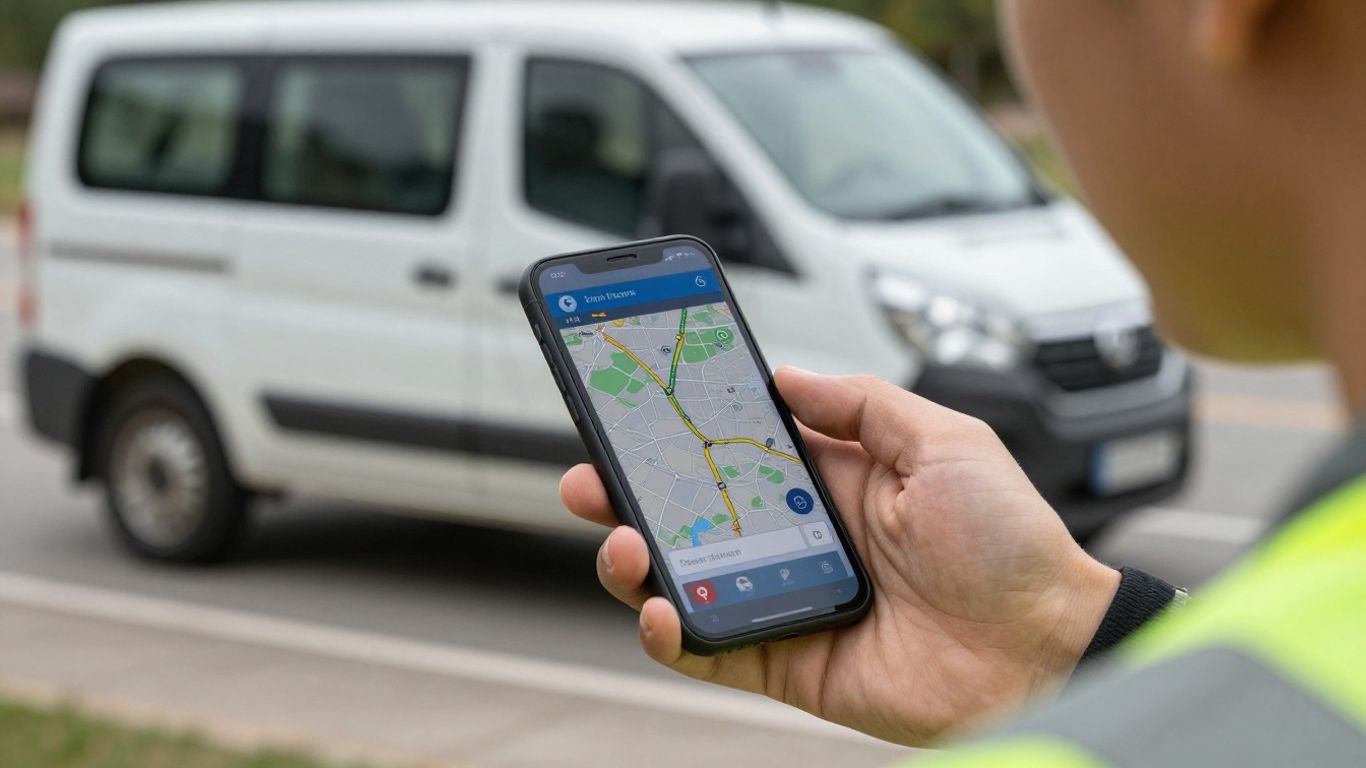
Keeping tabs on your field team used to mean a lot of phone calls and guesswork. Now, with GPS tracking software, you get a clear picture of where everyone is, right as it happens. This isn’t about micromanaging; it’s about knowing your team’s location for better efficiency and safety. Imagine a customer calls with an urgent issue – you can instantly see which technician is closest and available, cutting down response times significantly. It also means you can give customers more accurate arrival estimates, which is always a nice touch.
Benefits for Small Businesses
For small businesses, every bit of efficiency counts. GPS tracking can really help in a few key areas:
- Improved Accountability: Knowing where your technicians are and when they arrive at job sites helps ensure everyone is where they should be. This can also protect your team from false claims about their whereabouts.
- Better Customer Service: Accurate ETAs and faster response times make customers happier. Plus, having a digital record of service completion can be very useful.
- Operational Insights: You start to see patterns in travel times, idle periods, and job durations. This data can highlight areas where you can save time and money.
- Enhanced Safety: In case of an emergency, knowing your team’s location is incredibly important. It also helps in monitoring driving behavior, which can improve safety on the road.
How GPS Tracking Works
At its core, GPS tracking uses a small device, often built into a smartphone app your technicians already use, to pinpoint their location. This information is then sent securely to a central system that you can access from your computer or tablet. It’s pretty straightforward:
- Device Placement: A GPS unit or a mobile app on the technician’s device picks up signals from satellites.
- Data Transmission: The location data, along with a timestamp, is sent over a cellular network.
- Mapping and Reporting: The software displays these locations on a map and compiles the data into useful reports.
Most modern systems are designed to be low on battery usage and don’t require expensive, specialized hardware. They often integrate with familiar mapping services like Google Maps, making the interface easy to understand for everyone involved.
Key Features of GPS Tracking Software
When you’re looking at GPS tracking software for your small business, it’s easy to get lost in all the options. But really, most of the good stuff boils down to a few core features that make a big difference in your day-to-day operations. Think of these as the building blocks for getting more out of your field team.
Automated Clock-In and Clock-Out
This feature is a game-changer for payroll and making sure you’re only paying for actual work time. Instead of relying on technicians to remember to punch in or out, the GPS device handles it automatically based on their location. When a technician arrives at the first job site of the day, the system can log their start time. When they finish their last job and head home, it logs their end time. This eliminates guesswork and potential errors, giving you accurate records without any extra effort from your team.
- Reduces payroll errors and disputes.
- Provides clear start and end times for each workday.
- Helps track overtime accurately.
Route Optimization and Dispatching
This is where GPS tracking really shines for efficiency. The software can look at all your scheduled jobs for the day and figure out the most efficient way for your technicians to get to them. It considers traffic, distance, and job order to create the best routes. For dispatchers, this means they can see which technician is closest to a new service call and send them out with confidence. It cuts down on wasted travel time and fuel, which adds up fast for small businesses.
Here’s a quick look at how it helps:
- Shorter travel times: Less time on the road means more time on jobs.
- Reduced fuel costs: Efficient routes mean less gas burned.
- Improved customer satisfaction: Technicians arrive faster and more predictably.
- Better workload balancing: Dispatchers can assign jobs more evenly.
Progress and Materials Tracking
Knowing what’s happening in the field in real-time is incredibly useful. Some systems let you see when a technician has started a job, completed a task, or even used specific materials. This isn’t just about micromanaging; it’s about understanding job progress and identifying bottlenecks. If a job is taking longer than expected, you can see if it’s due to unexpected issues or if the technician needs assistance. Tracking materials used also helps with inventory management and billing accuracy.
This kind of visibility helps prevent surprises. You can proactively address issues before they become major problems, keeping projects on track and customers happy.
Documentation and Digital Signatures
Paperwork can be a real headache. GPS tracking software often includes features that allow technicians to complete job reports, checklists, and collect customer signatures right on their mobile devices. This means no more lost invoices or illegible notes. Once a job is done, the technician can snap photos of the completed work, fill out a service report, and get a digital signature from the customer. All this information is then instantly uploaded and linked to the job, creating a complete record that’s easy to access later for billing, warranty claims, or dispute resolution.
Implementing GPS Tracking in Your Business
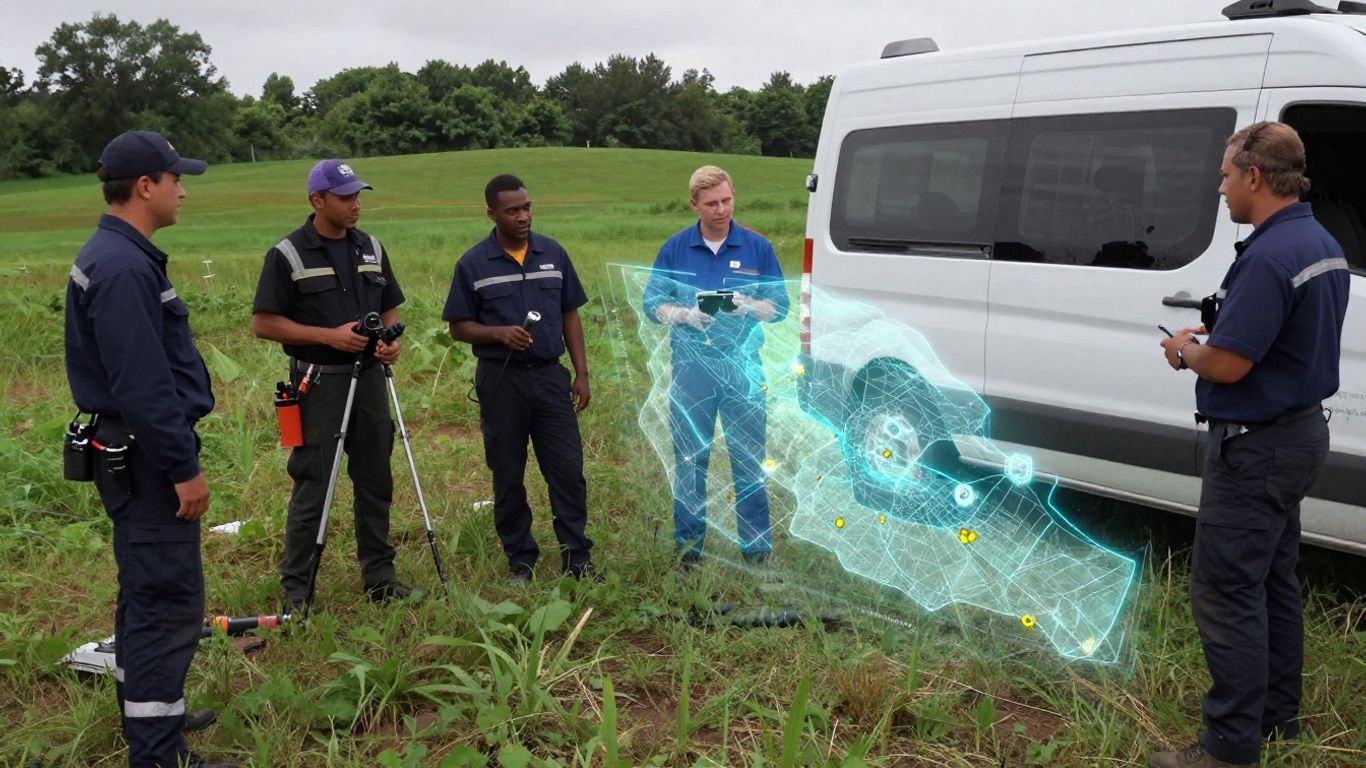
So, you’ve decided GPS tracking makes sense for your small business. That’s great! But how do you actually get it up and running without turning your whole operation upside down? It’s not as complicated as it might sound, honestly. Think of it like adding a new tool to your toolbox – you need to pick the right one and learn how to use it properly.
Assessing Your Fleet Needs
Before you even look at software, take a good, hard look at what’s actually going on with your vehicles and your team. What are the biggest headaches right now? Are customers complaining about late arrivals? Are you burning through fuel like crazy? Do you suspect some unscheduled detours are happening? Pinpointing these issues is step one. You might find that one area, like reducing idle time, is a much bigger problem than another, like driver speed. Knowing this helps you focus on what matters most when you start looking at systems.
Choosing the Right System
This is where you pick your actual GPS tracking software. For small businesses, simplicity is usually best. You don’t need a system with a million bells and whistles that you’ll never use. Look for something that’s easy to install and even easier to understand. Does it have a clear dashboard? Can you see everything you need to see on your phone or computer without a degree in computer science? Also, think about how it might connect with other tools you already use, like your scheduling or maintenance software. Compatibility here can save you a lot of headaches down the road.
Training Your Team
This is super important. Your team, especially your field technicians, are the ones who will be using this day in and day out. You can’t just hand them a device and expect them to figure it out. You need to explain why you’re doing this. Talk about how it can help them, not just how it helps you. Maybe it means less paperwork, or proof against unfair complaints, or even just a clearer picture of their day. Show them how to use the system, what data is being collected, and what it all means. Make sure they know it’s about improving operations, not about spying on them.
Rolling out GPS tracking doesn’t have to be a big disruption. A planned approach makes the transition smoother. Start by identifying your main problems, pick a system that fits your needs and budget, and then make sure your team knows how to use it and why it’s beneficial.
Measuring Results
Once everything is set up and your team is trained, don’t just forget about it. You need to see if it’s actually working. Set some goals before you start. Maybe you want to cut fuel costs by 10% in three months, or reduce late arrivals by 15%. Keep an eye on the data the GPS system provides. Look at things like:
- Fuel consumption reports
- Idle time logs
- On-time arrival percentages
- Total miles driven
Comparing these numbers before and after implementing the system will show you if you’re getting the results you hoped for. If not, you might need to adjust your approach or look at how the system is being used.
Addressing Common Concerns with GPS Tracking
It’s totally normal to have some questions or even worries when you’re thinking about adding GPS tracking to your business. Most small business owners I talk to have similar thoughts, and that’s okay. Let’s break down some of the most common ones.
Data Privacy and Security
This is a big one for many people. You might be wondering where all that location data goes and who can see it. The good news is that reputable GPS tracking companies take this very seriously. They use things like encryption to keep the information safe, kind of like how your bank protects your online accounts. Usually, the data collected is about the vehicle’s movement and operational details, not personal stuff about your technicians. Most systems are designed to meet privacy standards, so you don’t have to worry about accidentally breaking any rules.
Technician Accountability
Some folks worry that tracking their team might feel like spying, and that technicians will push back. Honestly, the best way to handle this is to be upfront. Explain clearly why you’re implementing the system. It’s not about catching people doing something wrong; it’s about making the whole operation run smoother for everyone. When technicians understand that the tracking can help with things like:
- Proving they were at a job site on time
- Simplifying mileage and expense reporting
- Getting help faster if they have vehicle trouble
They often see it as a tool that protects them, too. Open communication about how the data will be used and what benefits it brings is key. Most resistance fades once people see the advantages for themselves.
Scalability for Small Teams
Another common thought is, “Is this just for big companies with huge fleets?” Not at all. In fact, GPS tracking can often make a bigger difference for smaller businesses. When you only have a few vehicles, one inefficient route or an extra long break can really impact your bottom line. Modern GPS systems are built to be affordable and easy to use, even if you don’t have a dedicated IT department. You can start small and add more devices as your business grows. It’s about getting the most out of the resources you have right now.
Maximizing Value with Integrated Solutions
So, you’ve got GPS tracking sorted for your field techs. That’s a big step! But honestly, just knowing where everyone is can feel a bit like having a fancy car with no radio. To really get the most out of your investment, you need to think about connecting that GPS data with other tools you’re already using, or maybe should be using. It’s all about making everything work together smoothly.
Pairing GPS with Maintenance Platforms
Think about your vehicles. They need regular check-ups, right? When you link your GPS tracking software with a vehicle maintenance platform, you get a much clearer picture. For example, a system like AUTOsist can take that location data and tie it into service schedules. This means you can get automatic reminders for oil changes or tire rotations based on mileage, not just a calendar date. It helps prevent unexpected breakdowns, which are a huge headache and cost a lot of money. Plus, you can keep digital records of all maintenance and inspections right there, all linked to the specific vehicle. It makes managing your fleet way less of a guessing game.
Connecting Field Data with Back-Office Systems
This is where things get really interesting for small businesses. Your field techs are out there doing the work, gathering information, and interacting with customers. What happens to all that data? If it’s just stuck on a clipboard or in a disconnected app, it’s not doing much good. By integrating your GPS tracking and field service software with your back-office systems, like accounting software (think QuickBooks) or your CRM, you create a single source of truth. This means:
- No more double data entry: When a job is completed, the details can automatically update your accounting records, saving your office staff tons of time and reducing errors.
- Better customer records: Information from the field, like notes on a service call or a customer’s signature, can be instantly added to their profile in your CRM.
- Faster invoicing and payments: With job completion data flowing directly into your billing system, you can send out invoices much quicker, getting you paid faster.
The real power comes when information flows freely between your field operations and your administrative side. It cuts down on manual work, minimizes mistakes, and speeds up your entire business process, from the moment a job starts to when the payment clears.
Leveraging Historical Data for Insights
Your GPS tracking system isn’t just for real-time monitoring. All that historical location data, combined with job completion times and routes taken, is a goldmine of information. You can analyze this data to see:
- Which routes are most efficient: Are your technicians consistently taking longer routes than necessary? Identifying patterns can help you optimize future dispatching.
- How long jobs really take: Compare scheduled times with actual time spent on-site, factoring in travel. This helps with more accurate quoting and scheduling in the future.
- Technician performance: Without being intrusive, you can see patterns in productivity and identify areas where additional training might be beneficial.
By looking at this data over time, you can make smarter decisions about scheduling, resource allocation, and even identify which types of jobs are most profitable for your business. It turns your tracking system from a simple locator into a strategic planning tool.
Wrapping It Up
So, we’ve looked at how GPS tracking software can really make a difference for small businesses with field teams. It’s not just about knowing where everyone is, though that’s a big part of it. Think about saving money on fuel, getting to jobs faster, and keeping customers happier with accurate arrival times. Plus, it makes keeping track of jobs and paperwork way simpler. You don’t need a huge budget or a tech wizard to get started. There are plenty of user-friendly options out there that can fit right into how you already work. Giving your team the right tools can really help your business run smoother and grow.
Managing field technicians should not feel chaotic or disconnected. With the right GPS tracking solution, small businesses can improve scheduling, reduce wasted travel time, strengthen accountability, and deliver a better customer experience without adding extra administrative work. The key is choosing a system that supports both your team in the field and your operations behind the scenes. Fieldbin helps service businesses streamline dispatching, monitor technician activity in real time, and keep every job organised from start to finish. If you are ready to simplify field operations and improve efficiency, explore how Fieldbin can help your business stay connected and productive.
Frequently Asked Questions
What exactly is GPS tracking for field technicians?
Think of it like a map that shows you where your team members are when they’re out working at different locations. It uses GPS technology, the same kind in your phone’s navigation app, to pinpoint their exact spot in real-time. This helps managers know where everyone is, making it easier to send them to jobs or check on their progress.
How does GPS tracking help a small business save money?
It helps in a few ways! It can cut down on fuel costs by finding the quickest routes and stopping unnecessary driving. It also helps make sure technicians aren’t wasting time, leading to more jobs completed in a day. Plus, knowing where your team is can prevent unauthorized use of company vehicles.
Do technicians have to do extra work to use this tracking?
Not usually! Most systems are designed to work automatically in the background on a smartphone or tablet. When a technician arrives at a job, the system can automatically record their arrival time and location. They can also easily update job statuses or add notes right from their device, which is often simpler than calling the office.
Is GPS tracking fair to my employees?
That’s a common worry, but when explained right, it’s seen as helpful. It shows you care about their safety by knowing where they are, especially in emergencies. It also proves they were at a job site, which can protect them if there are any disputes. It’s about making operations smoother for everyone, not about spying.
What if my business grows? Can the GPS system keep up?
Absolutely. Most GPS tracking software is built to grow with your business. You can usually add more devices or users as your team expands. The systems are designed to be flexible, so they can handle a few technicians or a much larger crew without needing a whole new setup.
Do I need special equipment for GPS tracking?
In most cases, no! Many modern GPS tracking solutions work using the smartphones or tablets your technicians already have. You just need to install an app. This saves you from buying expensive, dedicated hardware, making it a more affordable option for small businesses.