
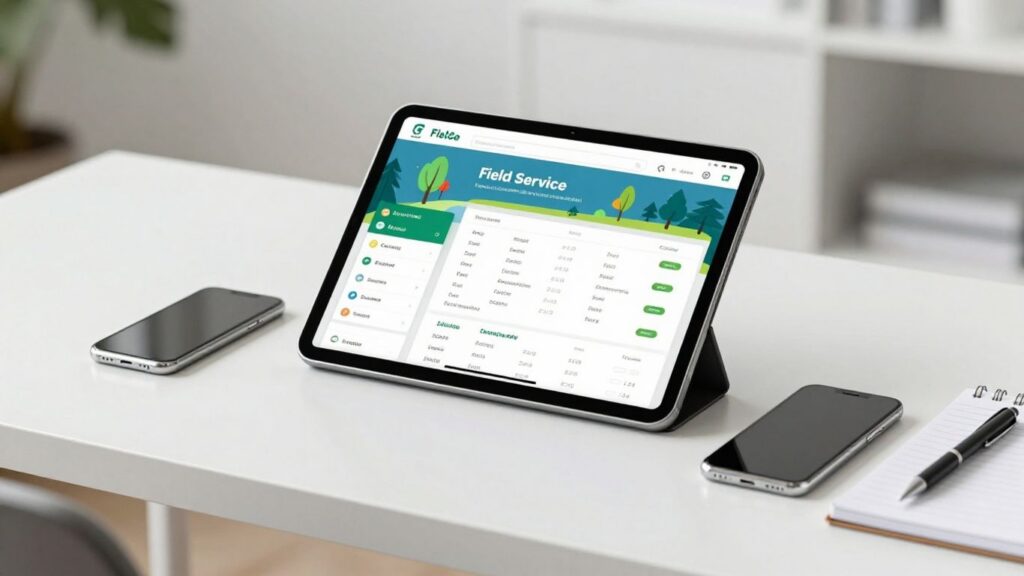
Trying to keep your field service team on track can feel like herding cats sometimes. You need a good field service scheduling app to make sure everyone knows where to be and when. We looked at a bunch of options to find ones that work well for smaller teams. These apps can help with everything from booking jobs to sending out invoices, making your day-to-day a lot smoother.
Key Takeaways
- Coast is good for teams that want to chat easily about jobs and use a mobile-first system.
- Jobber is made for small businesses that need simple scheduling and fast invoicing.
- ServiceTitan is built for bigger companies with many locations and complex needs.
- Housecall Pro works well for contractors and solo workers who need online booking and payments.
- UpKeep is a solid choice for teams focused on keeping equipment running with maintenance tracking.
1. Coast
Coast comes across as a practical, no-fuss solution for field service scheduling, especially handy for small teams that don’t want to mess with confusing setups. What makes Coast stand out is its focus on real-time communication tied directly to every work order, so nothing gets lost or overlooked. If your crew is used to group texts or shared spreadsheets, Coast pulls it all into one organized space.
Here’s what sets Coast apart:
- Mobile-first experience: Create and assign jobs from your phone. Nobody is chained to a desk, and the app handles photos, notes, and checklists.
- Context-based messaging: Instead of random chat threads, Coast links every discussion right to the tasks at hand. You chat about each job where the info lives.
- Preventive maintenance tools: Recurring schedules, asset tracking, and quick QR code lookups help keep equipment working and avoid those “surprise” breakdowns.
For teams that hate long onboarding, Coast’s simple layout makes it easy for new users. You don’t need formal training or hours spent in webinars—just log in and start messing around, and it just clicks. On the pricing front, you get a free plan covering basics, which is perfect for smaller outfits or anyone testing the waters. Here’s a quick look at Coast’s free tier:
| Plan | Price | Key Features |
|---|---|---|
| Free | $0/user | Unlimited Jobs, Messaging, 7-day history |
But there are some trade-offs:
- Limited integrations compared to bigger platforms.
- Advanced reporting locked behind paid plans.
- Some growing teams might outgrow the feature set if they need deep analytics or lots of third-party connections.
Small teams switching off paper or scattered apps will find Coast friendly and less stressful than most—plus, you can tailor workflows to fit how you want to work. It’s all about making communication and scheduling simple for everyday fieldwork.
Coast is also known for their highly customizable workflows, which lets you build processes that actually match the way your business runs—even if things change later.
2. Jobber
Jobber is a solid choice if you’re running a small field service outfit and just need the essentials without a lot of fuss. It’s built to make things like quoting, scheduling jobs, and sending out invoices pretty straightforward. Think landscapers, plumbers, electricians, or cleaning services – the kind of businesses where you’ve got a few people on the road.
The whole point is to keep your day-to-day operations running smoothly. It’s not trying to be everything to everyone, which is actually a good thing for small teams who don’t need enterprise-level complexity. You can get up and running pretty quickly, which is a big plus when you’re busy.
Here’s a look at what Jobber offers:
- Scheduling Made Easy: Jobber has a calendar view that lets you drag and drop appointments. It also helps with route planning, so your team isn’t crisscrossing town unnecessarily. Plus, there’s GPS tracking to see where your techs are, which helps with timing and letting customers know when to expect them.
- From Quote to Cash: You can create quotes right there on the spot, turn approved quotes into work orders, and then send out invoices. Customers can even pay online through the platform, which means you get paid faster. This quick workflow is a big deal for cash flow.
- Customer Management: It includes a basic CRM to keep track of customer details and their service history. You can also send automated reminders for appointments, which cuts down on no-shows and keeps customers happy.
Jobber has a few pricing tiers, starting with their ‘Core’ plan at $49 per user per month. Then there’s ‘Connect’ at $139 per user per month, which adds features like automated reminders and QuickBooks integration. Their ‘Grow’ plan is $199 per user per month, offering even more.
While Jobber is great for getting the basics done, some users mention that it’s not the most flexible if you have really complex or unique workflows. The reporting is also pretty standard, so if you need deep dives into analytics, you might find it a bit limited. But for most small teams just trying to get organized and paid, it’s a really good option.
3. ServiceTitan
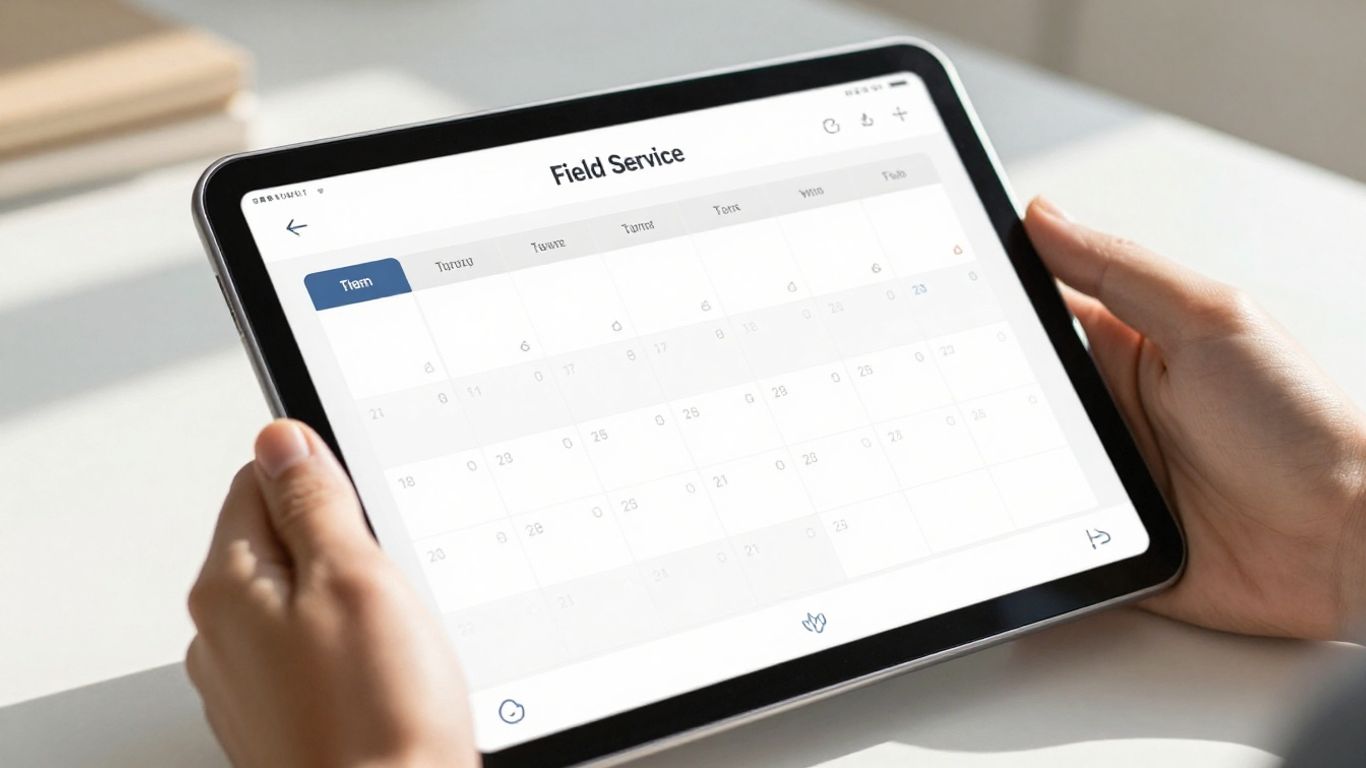
ServiceTitan is a pretty robust field service management platform, but it’s really built for bigger operations, not so much for small teams. Think large companies with multiple locations and complex needs. It’s got a lot of features packed in, like advanced scheduling that can optimize routes and a dispatch board that lets you see where your techs are in real-time. You can even move appointments around on the fly if something comes up.
It also includes tools for managing customer calls, keeping track of their service history, and even setting preferences so the right person handles the call. When it comes to billing, you can create estimates, take payments, and manage all your invoicing right from the mobile app. They also have a pricebook feature to keep your pricing consistent across the board.
Here’s a quick look at some of the things it can do:
- Advanced Scheduling & Dispatching: Smart scheduling, route planning, and a drag-and-drop board for live updates.
- Customer Management: A call book to capture customer details, service history, and booking preferences.
- Invoicing & Payments: Generate estimates, process payments, and handle billing within the app.
- Automations & Reporting: Automates invoicing, follow-up scheduling, and tracks performance metrics.
ServiceTitan is designed for enterprise-level use. This means it comes with a lot of power but also a steeper learning curve. Setting it up and getting everyone trained can take a significant amount of time and effort. Plus, the pricing structure, often per technician, can make it quite expensive for smaller businesses or those just starting out.
While it offers a lot of functionality, like inventory tracking and custom reporting, it might be overkill and too costly for a small team just looking to manage daily appointments and basic job details.
4. Housecall Pro
Housecall Pro is a solid choice for service contractors, especially those just starting out or running a small crew. It really tries to be an all-in-one package, covering everything from sending out quotes to getting paid. The focus here is on making things simple for home service pros like plumbers, electricians, and HVAC techs. It’s designed to help your business look more professional and run smoother, which is a big deal when you’re juggling a lot.
One of the things users consistently mention is how easy it is to pick up. If your team isn’t super tech-savvy, this is a big plus because it means less time spent training and more time actually doing the work. The mobile app is pretty good too, letting your techs update job statuses and snap photos right from the field.
Here’s a quick look at what you get with their different plans:
- Basic: Includes scheduling, dispatching, quotes, invoicing, payments, and online booking.
- Essentials: Adds QuickBooks integration, marketing tools like postcards and emails, customer equipment tracking, and a visual price book.
- MAX: Comes with preventive maintenance optimization, custom checklists, inventory management, and more advanced reporting.
They also have a Premium plan that’s priced per user and includes things like offline mode and advanced analytics. The Professional plan is for larger operations and requires contacting them for pricing.
While Housecall Pro aims for simplicity, some users have noted that costs can add up with extra features or add-ons. It’s worth looking closely at what’s included in each tier to avoid surprises. The reporting features, while present, might not be as deep as some competitors, especially on the lower-tier plans.
Overall, if you’re a contractor looking for a straightforward way to manage your jobs, schedule appointments, and handle payments, Housecall Pro is definitely worth checking out. You can find more details about their scheduling and dispatching features on their site.
5. UpKeep
If your team is all about keeping equipment running smoothly and preventing breakdowns before they happen, UpKeep might be your jam. It’s really built with maintenance and facility teams in mind, focusing heavily on preventive maintenance and tracking all your assets. Think of it as a digital notebook for all your machinery, but way smarter.
UpKeep shines when it comes to scheduling regular check-ups and repairs. You can set up work orders to pop up automatically based on time, how much a piece of equipment is used, or even its condition. This means you’re not just reacting to problems; you’re actively stopping them. Plus, you can attach all sorts of info to your assets, like manuals or past repair logs, and even use QR codes to pull up details instantly with your phone. It’s pretty neat for keeping tabs on everything.
Here’s a quick look at what it offers:
- Automated Preventive Maintenance: Schedule tasks based on time, usage, or condition triggers.
- Asset Tracking: Use QR codes to quickly access asset information, history, and manuals.
- Mobile Work Orders: Create, update, and manage work orders right from the field, even offline.
- Detailed Reporting: Get insights into maintenance history, equipment performance, and compliance.
It’s a solid choice for keeping track of physical assets and ensuring they’re well-maintained. If your business involves a lot of machinery or facilities that need constant upkeep, this could really help streamline your operations and keep things running longer. It’s a good way to manage your maintenance tasks.
While UpKeep is fantastic for maintenance-focused teams, it’s not really designed for customer-facing tasks like sending estimates or invoices. If that’s a big part of your business, you might need to look at other options or use UpKeep alongside a different tool.
6. monday service
monday service is built on the monday Work OS, which means it’s pretty flexible. It’s designed to help teams get organized and work together better, especially when you’ve got people out in the field. The platform uses AI to help automate a lot of the busy work, like figuring out who should go where and when. This can really cut down on how long it takes to get a job done and make sure everyone’s on the same page.
It’s not just about scheduling, though. monday service aims to be like a central hub for your whole operation. You can manage tickets, track job progress, and keep customers in the loop, all from one place. Plus, it has these real-time dashboards that give you a clear picture of how things are going and how productive your team is. This kind of visibility is super helpful for making smarter decisions.
Here’s a quick look at what makes it stand out:
- AI-powered ticket routing: Automatically assigns jobs to the right person based on skills and availability.
- Drag-and-drop workflow builder: Lets you create custom processes without needing to code.
- Real-time analytics: Provides insights into performance and team productivity.
- Mobile access: Technicians can get all the job details they need right on their phones.
The goal here is to turn messy, day-to-day operations into a smooth, predictable system that helps your business grow. It connects your field teams with the office, making sure information flows freely and work gets done faster and more accurately. It’s about making sure everyone has what they need to do their best work, no matter where they are.
If you’re looking to scale your service delivery and want a system that can adapt to your specific needs, monday service is definitely worth checking out. It’s a good option for teams that are ready to move beyond spreadsheets and get more organized. You can find out more about how it works on the monday.com website.
Wrapping It Up
So, picking the right field service app for your small team can feel like a lot, but it doesn’t have to be. We’ve looked at a few solid options that can really help get things organized. Whether you need something super simple for scheduling and invoicing, or a bit more power for tracking jobs and talking to customers, there’s likely a tool out there that fits. Don’t overthink it; just find one that makes sense for how you work now, and you’ll probably see things run a lot smoother pretty quickly. It’s all about making your day-to-day a little less chaotic.
Field service scheduling does not have to feel chaotic or disconnected. The right platform can help your team stay organised, improve response times, and create a smoother experience for both technicians and customers. Whether you are managing maintenance requests, dispatching field staff, or tracking job progress, having an all-in-one solution can make a real difference in daily operations. If you are looking for a smarter way to streamline your workflows and keep your field teams efficient, consider exploring how Fieldbin can support your business growth and simplify field service management.
Frequently Asked Questions
What are the main things field service apps help with?
These apps help field workers plan their day, send them to the right jobs, and keep track of everything. They are great for jobs like fixing heating systems, doing plumbing, or maintaining buildings. Using these apps helps teams work better and makes customers happier.
Why is it important for these apps to work well on phones?
Field workers are always on the move. They need apps that are easy to use on their phones or tablets. This lets them record their work, see past job details, and send pictures right from where they are. Good mobile apps keep everyone connected and jobs running smoothly.
How do different apps fit different team sizes?
Some apps, like Jobber, are made for smaller businesses that need simple scheduling and fast billing. Others, like ServiceTitan, are built for big companies with many locations. These larger apps have advanced features for managing many teams and complex jobs.
Can these apps help prevent problems before they happen?
Yes, many good field service apps have tools for regular check-ups and keeping track of equipment. Apps like UpKeep and Coast let you set up maintenance schedules and use QR codes to quickly find information about machines. This can stop equipment from breaking down and save money.
What are the most important features to look for in a field service app?
You should look for apps that are easy to use and have features like managing work orders, scheduling jobs, and tracking where your workers are with GPS. Good apps also help with sending bills and give you reports so you can see how things are going.
How do apps like Coast help teams communicate?
Coast is known for making communication easy. It links messages directly to specific jobs, so all the talking about a job stays in one place. This makes it simple for teams, even those not used to technology, to switch from paper to a digital system.