
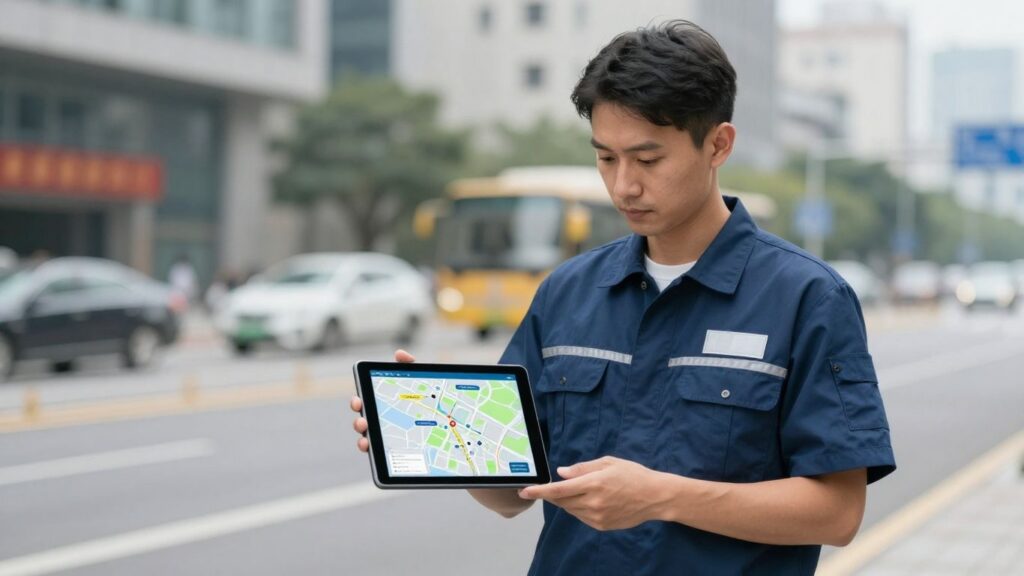
Trying to keep track of field technicians in 2026 is no small task. Jobs change, emergencies pop up, and everyone wants updates right away. That’s where field technician dispatch software comes in. It’s not just a fancy calendar—it’s what keeps techs, dispatchers, and customers all on the same page. If you’ve ever had a technician show up at the wrong address, or had to chase down paperwork at the end of a long day, you know how important the right software is. Let’s break down what you should look for if you’re thinking about upgrading your system.
Key Takeaways
- Field technician dispatch software should give real-time job updates so nobody is left guessing about the day’s plan.
- Mobile access and offline features are must-haves; techs need to see job info and update work orders even with spotty service.
- Look for tools that make it easy to track time, parts, and job status right from the field—no more paperwork piles.
- AI-powered scheduling and route planning can save time and cut down on travel costs, especially with busy or hybrid teams.
- Choose a platform that fits your industry and works well for technicians—not just managers or accountants.
Enhancing Field Technician Efficiency Through Software
Modern field service teams are under a lot of pressure to do more with less. Software can be the difference between jobs running smoothly and days thrown into chaos.
Real-Time Job Visibility for Technicians
Being able to see what’s next—right from a phone or tablet—makes life a lot less stressful for field techs. With real-time job visibility, the technician doesn’t have to wait on calls from dispatch or hunt through texts. They get instant updates about schedule changes, priority jobs, or cancellations all in one place.
When techs know exactly which jobs matter most, they can plan the day and avoid awkward surprises. With clear job lists and real-time changes:
- Technicians are less likely to miss appointments
- Miscommunication between the field and office drops
- Workdays are less chaotic and more predictable
Clear job visibility helps field teams stay on track and respond quickly when conditions change on the ground.
Streamlining Work Order Updates and Closures
If updating a work order takes too many steps, field data gets delayed or lost. It sounds simple, but making it easy for techs to log what happened at a site and wrap things up is a game changer.
Here’s what matters when closing out jobs in the field:
- Fast entry of hours, parts used, and what work was completed
- Capture of necessary forms, signatures, and photos before the end of the visit
- Updates that sync right away so everyone from dispatch to accounting is in the loop
The right field service management tools can help complete jobs more efficiently, cutting down on missing info and back-and-forth between the office and field crews.
Empowering Technicians with Essential Job Data
Access to all the details matters a lot—manuals, past work, or asset histories should be available from anywhere, even with no signal. When a technician walks into a job with every detail in their pocket, troubleshooting is faster and there are fewer calls for help.
A short checklist of what field techs need:
- Repair history and asset documentation
- Safety checklists and procedures
- Photos and diagrams
These details help techs fix things right the first time, saving hours and avoiding repeat visits.
The best field technician software doesn’t just replace paperwork. It guides techs, connects them with the office, and gives them what they need to do the job well—saving time, reducing errors, and keeping operations running smoothly.
Key Features of Advanced Field Technician Dispatch Software
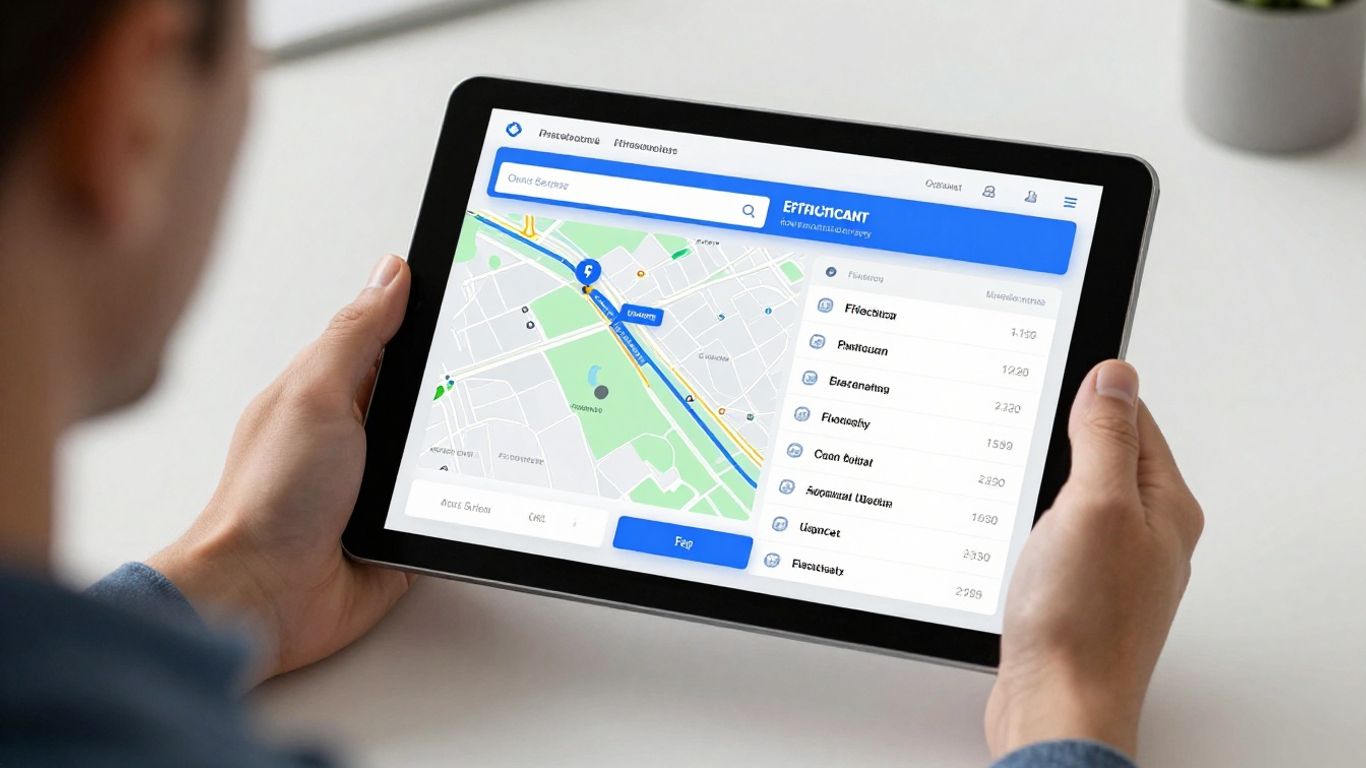
Staying on top of field jobs isn’t just about sending people out and hoping for the best. The software you pick needs to help you and your team actually get work done—without frustration, delays, or lost info. Here’s what makes a dispatch platform stand out in 2026:
Intelligent Scheduling and Dispatching Capabilities
Scheduling jobs for field technicians used to mean juggling phone calls, sticky notes, and crossed-out whiteboards. Modern tools now aim to cut down on all that chaos by:
- Matching jobs to techs based on skill, certifications, and location
- Flagging urgent or high-priority calls so nobody misses them
- Automatically shuffling the schedule when emergencies come up (instead of you doing it manually)
- Showing dispatchers where each tech is in real time
| Feature | Benefit |
|---|---|
| Skill-based assignments | Fewer callbacks |
| GPS location tracking | Less travel time |
| Automated rescheduling | Faster response |
Sometimes the right software is what stands between making a customer smile or letting another job slip through the cracks.
Seamless Mobile Access and Offline Functionality
The truth is, most field techs spend 90% of their day nowhere near a desk or even reliable cell coverage, and spotty apps that only work with a Wi-Fi signal are useless. Here’s what to look for:
- Full job details, asset lists, and instructions—even if offline
- Data syncs up automatically when signal returns
- Simple, uncluttered screens for quick updates and photos
- Secure storage on the device, so nothing gets lost if the connection drops
This means technicians never have to worry about losing job data or hunting through old messages for info.
Integrated Time Tracking and Reporting Tools
Accurate payroll and job costing don’t just happen in the office. The best dispatch software makes field reporting painless, so techs actually do it in real time:
- One-tap clock-in/out plus tracking travel and onsite time
- Quick fields for logging parts used, mileage, and break times
- Automatic generation of summaries for payroll and invoicing
- Exportable reports for managers, so you see both the big picture and fine details
Some software even gives a dashboard showing up-to-date hours and outstanding tasks for each tech, which means less time tracking down missing timesheets or unclear job notes.
—
These features don’t just sound handy—they really change how smoothly work goes. Pick dispatch software that checks these boxes, and you’ll spend less time cleaning up after mistakes and more time doing solid work.
Optimizing Operations with Field Service Management Software
Field service management (FSM) software is more than just a digital rolodex for your technicians; it’s the engine that keeps your entire operation running smoothly. Think of it as the central nervous system, connecting the office to the field and making sure everyone’s on the same page. Without it, you’re likely dealing with a lot of wasted time, missed appointments, and frustrated customers. The right FSM platform can transform how you manage your daily tasks, from scheduling the first call to closing out the final invoice.
Improving Communication Between Dispatch and Technicians
One of the biggest headaches in field service is the communication breakdown between the dispatchers back at the office and the technicians out in the field. When information gets lost in translation, or worse, not shared at all, it leads to all sorts of problems. Technicians might show up without the right parts, or they might not have the full picture of the customer’s issue. FSM software fixes this by providing a central hub for all job-related information. Dispatchers can send real-time updates, notes, and even customer history directly to a technician’s mobile device. Likewise, technicians can update job status, add notes, and upload photos right from the site. This keeps everyone informed and reduces the need for constant phone calls, which, let’s be honest, can be a real distraction when you’re trying to focus on a job.
Leveraging AI for Route Optimization and Scheduling
Remember the days of dispatchers trying to map out routes by hand or using basic GPS? It was a guessing game, and often, technicians ended up driving in circles or getting stuck in traffic. Modern FSM software uses artificial intelligence (AI) to figure out the smartest way to get your team from point A to point B. It looks at traffic patterns, job locations, technician availability, and even customer time windows to create the most efficient routes. This doesn’t just save on fuel costs; it means technicians can complete more jobs in a day, reducing downtime and getting to customers faster. The scheduling part is just as smart. AI can help match the right technician with the right job based on skills, certifications, and proximity, making sure you’re not sending a junior tech to a complex repair.
Managing Hybrid Workforces Effectively
Today’s field service teams aren’t always a uniform group. You might have a mix of full-time employees, contractors, and even remote support staff. Juggling all these different types of workers can be a challenge. FSM software helps bring order to this complexity. You can easily assign jobs to different types of workers, track their availability, and manage their schedules all from one place. This flexibility is key to scaling your operations up or down as needed. Plus, by having a standardized system for job management and reporting, you ensure that every worker, regardless of their employment status, adheres to the same quality standards and provides consistent service to your customers.
The real benefit of FSM software isn’t just about making individual tasks easier. It’s about creating a connected ecosystem where information flows freely, decisions are data-driven, and your team can operate with a level of efficiency that was previously impossible. This operational smoothness directly impacts your bottom line and customer happiness.
Choosing the Right Field Technician Dispatch Software
So, you’re in the market for some new software to help your field techs do their thing. It’s a big decision, and honestly, it can feel a bit overwhelming with all the options out there. Think of it like picking a tool for a job – you wouldn’t grab a hammer to tighten a screw, right? The same goes for software. You need the right fit for your team and your business.
Evaluating Software Based on Technician Experience
Let’s be real, the software is only as good as the people using it. If your technicians find it clunky, confusing, or just plain annoying, they won’t use it. And if they don’t use it, you’re back to square one, maybe even worse off. So, when you’re looking at different options, put yourself in your tech’s boots. How many taps does it take to log a part? Can they easily access job history or customer notes while they’re on site? The best software makes a technician’s job easier, not harder.
Think about these points:
- Ease of Use: Is the interface clean and intuitive? Can a tech figure it out without a week-long training session?
- Mobile Functionality: Does it work well on a phone or tablet? Can they use it even when they don’t have cell service?
- Information Access: Can they get all the job details, customer history, and relevant documents quickly?
- Update Process: How simple is it for them to update job status, add notes, or close out a work order?
If the software isn’t something your technicians will actually use and rely on day-to-day, it doesn’t matter how fancy the features are on paper. Their buy-in is key to making any new system work.
Considering Industry-Specific Needs and Integrations
Not all businesses are the same, and neither are their software needs. A plumbing company has different requirements than an HVAC service provider or an IT support team. You need software that understands the nuances of your specific industry. Does it handle the types of work orders you typically deal with? Does it have features that are particularly useful for your trade, like specific checklist templates or equipment tracking?
Also, think about what other software you already use. Does the dispatch software play nice with your accounting system, like QuickBooks? Or your CRM? Trying to force two systems to talk to each other when they weren’t designed to can be a major headache. Look for software that offers good integrations or has an open API if you need custom connections.
Understanding the Benefits of an All-in-One Platform
While it might be tempting to cobble together different tools for different tasks, an all-in-one platform often makes the most sense. Imagine having your scheduling, dispatching, work order management, time tracking, and invoicing all in one place. No more switching between apps, no more duplicate data entry, and a much clearer picture of what’s happening across your entire operation.
Here’s a quick look at what an integrated system can offer:
- Centralized Data: All your job information, customer details, and technician schedules in one spot.
- Streamlined Workflows: From initial call to final invoice, the process is smoother and less prone to errors.
- Improved Reporting: Get a holistic view of your business performance with data pulled from all functions.
- Better Communication: Dispatch and field teams are always on the same page.
An all-in-one solution can simplify things significantly, saving you time and reducing the chances of costly mistakes. It’s about making your whole operation run more efficiently.
The Impact of Field Technician Dispatch Software on Business
So, you’ve got this software for dispatching your field techs. What does it actually do for the business, beyond just making the techs’ lives a little easier? Turns out, quite a bit. It’s not just about getting people to jobs; it’s about how the whole operation runs smoother and, frankly, makes more money.
Reducing Errors and Rework on Job Sites
Think about it: when a technician has all the right info right there on their device – the customer’s history, the exact problem, what parts they might need – they’re way less likely to mess up. This means fewer return trips because they forgot something or didn’t understand the issue the first time. Fewer mistakes on site mean less time and money spent fixing those mistakes later. It also means the job gets done right the first time, which customers really appreciate.
Improving Customer Satisfaction and Service Delivery
Customers hate waiting around or dealing with technicians who seem lost. With good dispatch software, your techs know where they’re going, when they’ll get there, and what they need to do. They can update job statuses in real-time, so dispatch knows, and sometimes even the customer gets a heads-up. This transparency makes a huge difference. People feel more respected when they’re kept in the loop. Plus, when jobs are completed efficiently and correctly, it just builds trust. It’s all about making the service experience as painless as possible for the person paying for it.
Driving Revenue Through Accurate Invoicing and Data Capture
This is where the rubber really meets the road for the business’s bottom line. When technicians can easily log their time, the parts they used, and any extra services performed right from the job site, that information doesn’t get lost. No more scribbled notes that are hard to read or forgotten details. The software helps capture all of that accurately. This means your invoices are spot-on. You bill for everything you’re owed, and you do it quickly. This data capture is gold for making sure revenue isn’t slipping through the cracks due to poor record-keeping. It also helps with future planning and understanding job costs better.
Wrapping It Up
So, picking the right field technician dispatch software in 2026 isn’t just about getting a new app. It’s about making sure your team out in the field has what they need to actually get the job done right, without a ton of hassle. When techs can see their schedule clearly, update work orders easily, and get job details without a bunch of phone calls, everyone wins. The office runs smoother, customers are happier, and your business can actually grow without falling apart. If your current setup feels like a constant scramble of texts and missed calls, it’s probably time to look at something new. Think about what your technicians really need to do their jobs, and choose a system that supports them, not hinders them.
Frequently Asked Questions
Why is it important for field technicians to see their jobs in real time?
Imagine knowing exactly what jobs you have, which ones are super urgent, and if anything changes, like a last-minute cancellation. That’s what real-time job visibility does! It helps technicians plan their day better, avoid running late, and makes sure they’re always focused on the most important tasks without getting confused by old information. It cuts down on annoying phone calls and makes everyone’s job easier.
How does software help technicians update and finish their work orders?
When a technician finishes a job, they need to quickly tell the office what happened. Good software makes this super simple. They can easily write down what they did, what parts they used, and if they need to come back later, all right from their phone or tablet. This means the information is captured while it’s fresh in their mind, not hours later when details might be forgotten. It helps make sure all the important details are recorded so the company can bill correctly and keep good records.
What does ‘offline functionality’ mean for field tech software?
Sometimes, technicians are in places with no internet, like a basement or a remote site. Offline functionality means the app still works! They can still see job details, update their progress, and even fill out forms. As soon as they get back to an area with service, all the information they entered syncs up automatically. This prevents lost data and keeps them working without interruption, no matter where they are.
How can software help dispatchers send technicians to the right jobs?
Smart software can be like a super-helpful assistant for dispatchers. It can look at all the jobs that need doing and figure out which technician is the best fit based on their skills, where they are, and what their schedule looks like. It can even plan the fastest routes to save time and gas. This means the right person gets sent to the right job, making things run much smoother and faster for everyone.
Why is it important for the software to be easy for technicians to use?
If the software is hard to use, technicians won’t use it, or they’ll find tricky ways around it. This leads to bad information getting into the system, which causes problems for everyone. When software is simple and works the way technicians expect, they’re more likely to use it correctly. This means better data, fewer mistakes, and a happier team because their tools actually help them do their jobs instead of getting in the way.
How does better field technician software improve customer happiness?
When technicians have the right information, can update their status easily, and arrive on time because of smart scheduling, customers notice! They get faster service, accurate updates about their appointments, and fewer mistakes. This leads to happier customers who trust the company to do a good job. Plus, accurate billing means no surprise charges, which also keeps customers pleased.